

Language and developer mode
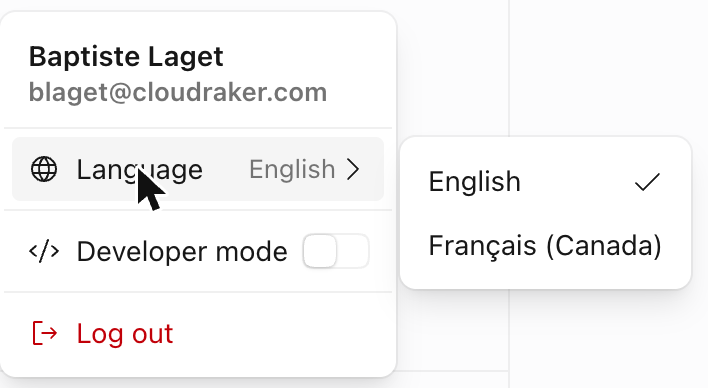
Two settings in CloudRaker are yours, not your organization’s: the interface language and developer mode. Both live in the profile menu — click your avatar at the bottom of the sidebar — and both are saved to your user preferences, so they follow you across sessions and devices.
These are personal preferences, not admin settings — everyone has them, regardless of role. They change only what you see.
Language
CloudRaker ships in two languages: English and Français (Canada). English is the default.
Developer mode
Developer mode is off by default. When it’s on, CloudRaker reveals technical metadata that’s normally hidden — raw IDs, slugs, configuration JSON, the JSON config editor, and run plumbing — on actions, files, runs, and data.
To turn it on, open your profile menu and flip the Developer mode switch.
Developer mode changes nothing about your permissions or what you’re allowed to do. It only surfaces more detail.
The IDs and raw configuration developer mode reveals are what you pass to the API — see the Developers tab.